Menu bar
Drop it on the icon
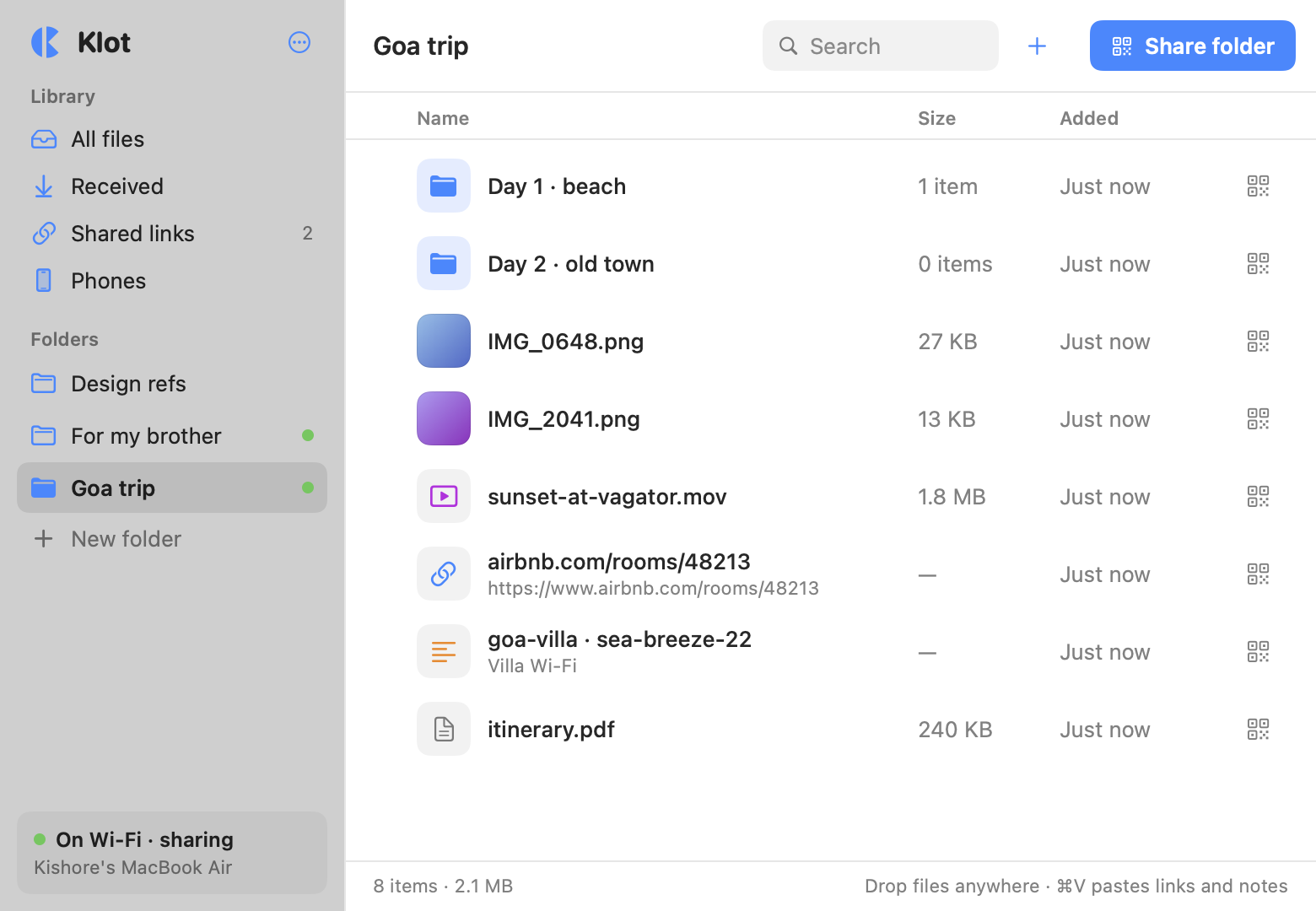
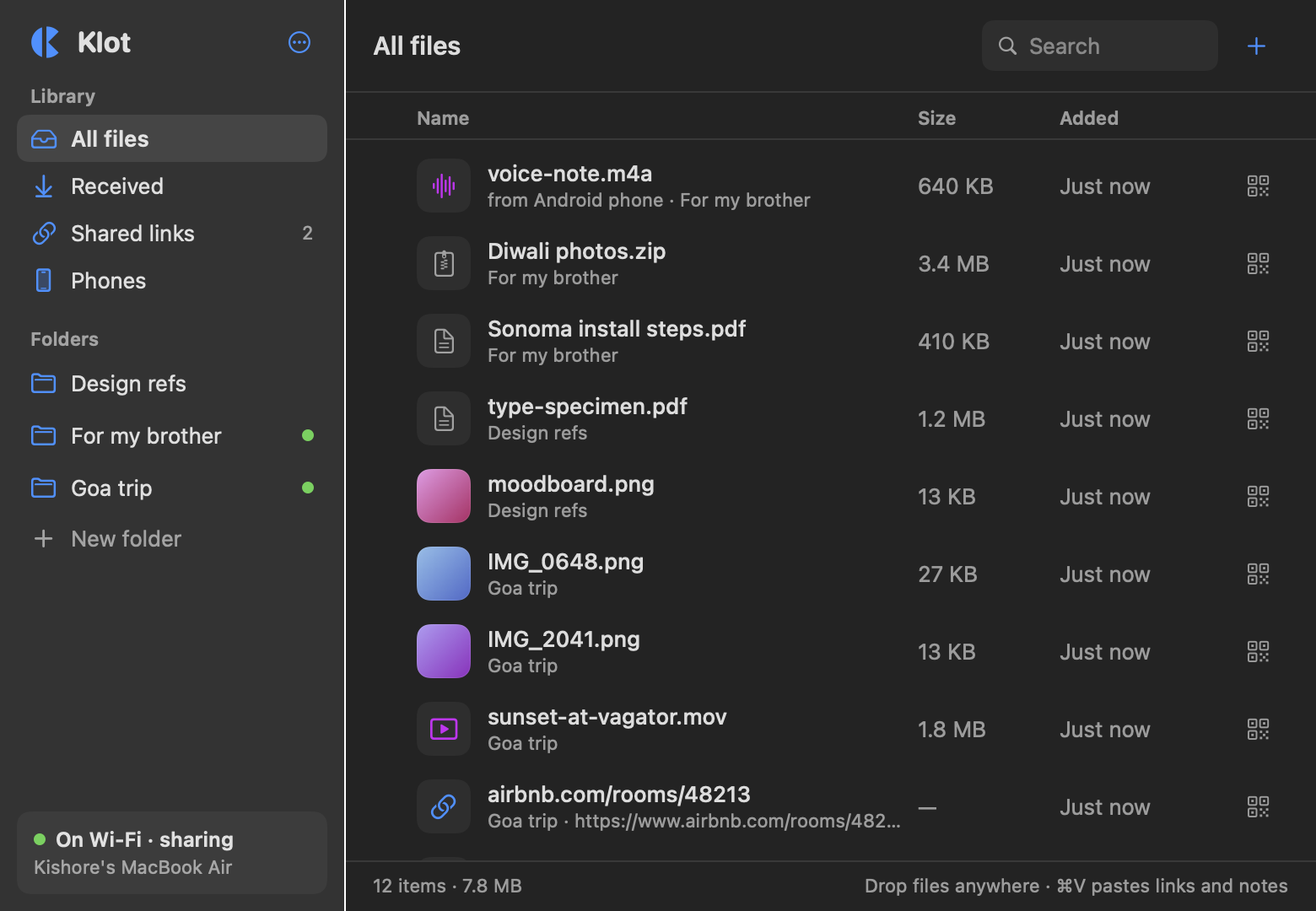
Drag files onto Klot in the menu bar, or paste a link or a note. Folders keep a trip or a project together, and Quick Look works on everything.
macOS 13 or later. iPhone, Android and Windows use the browser they already have.
It sits in your menu bar. Drag in a photo, a video, a link or a note.
iPhone, Android, Windows. They use the browser they already have, and the file comes straight from your Mac.
Pair a phone once and it gets a Klot icon. One tap sends photos to the Mac.
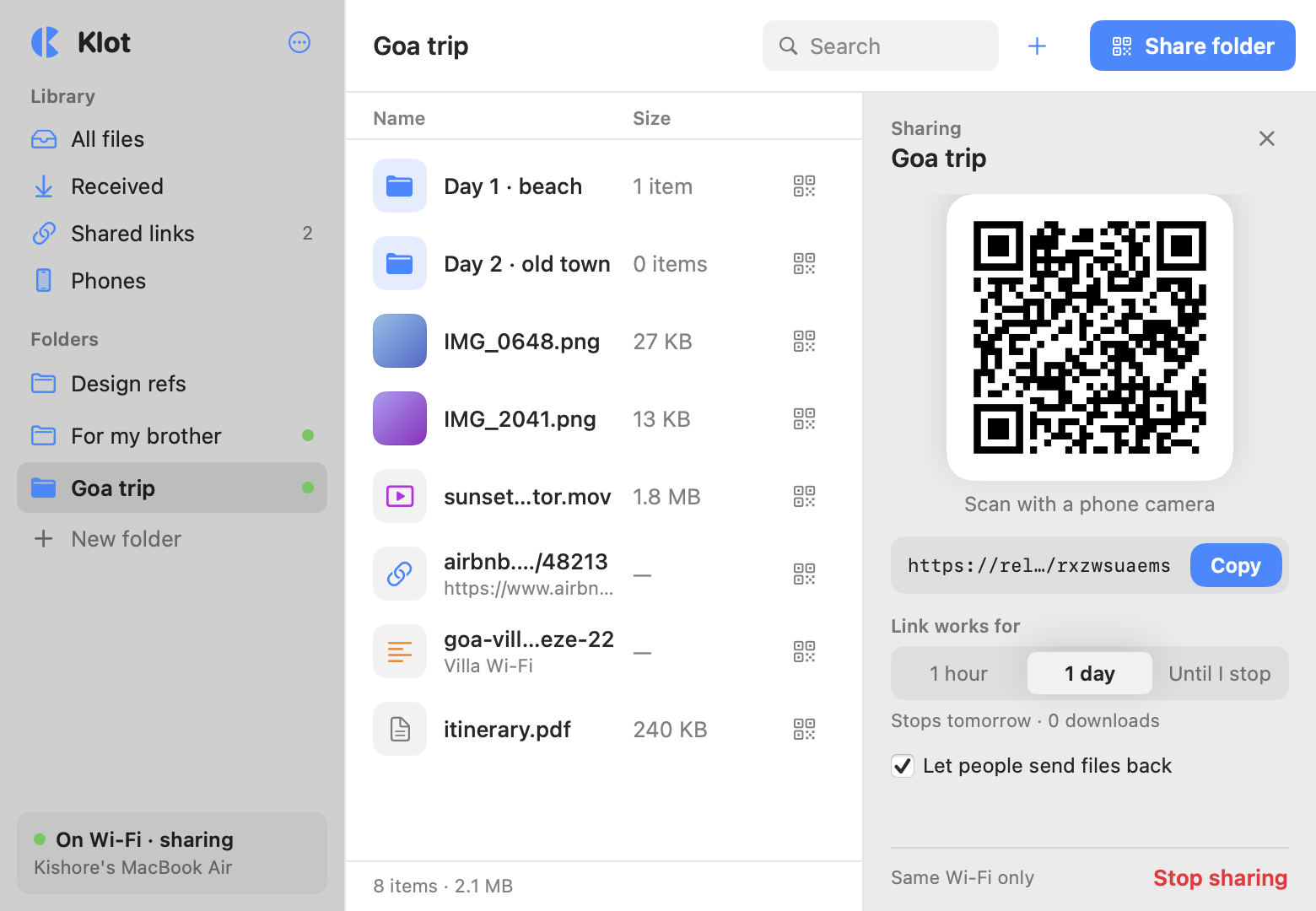
Share a whole folder for an hour, a day, or until you stop it.
People who follow get a notification when you add something.
macOS 13 or later. Apple Silicon and Intel.
Drag files onto Klot in the menu bar, or paste a link or a note. Folders keep a trip or a project together, and Quick Look works on everything.
Choose how long it works: an hour, a day, or until you stop it. People scan the QR code or open the link, and the files come straight from your Mac.
Scan a code one time and Klot adds an icon to the phone's Home Screen. Tap it to send photos to the Mac. Right-click a file on the Mac to send it to the phone as a notification.
Then you send to the Mac with one tap from your Home Screen.
So you can tell it apart on the Mac.
Straight to the Mac over this Wi‑Fi
Photos, videos, documents
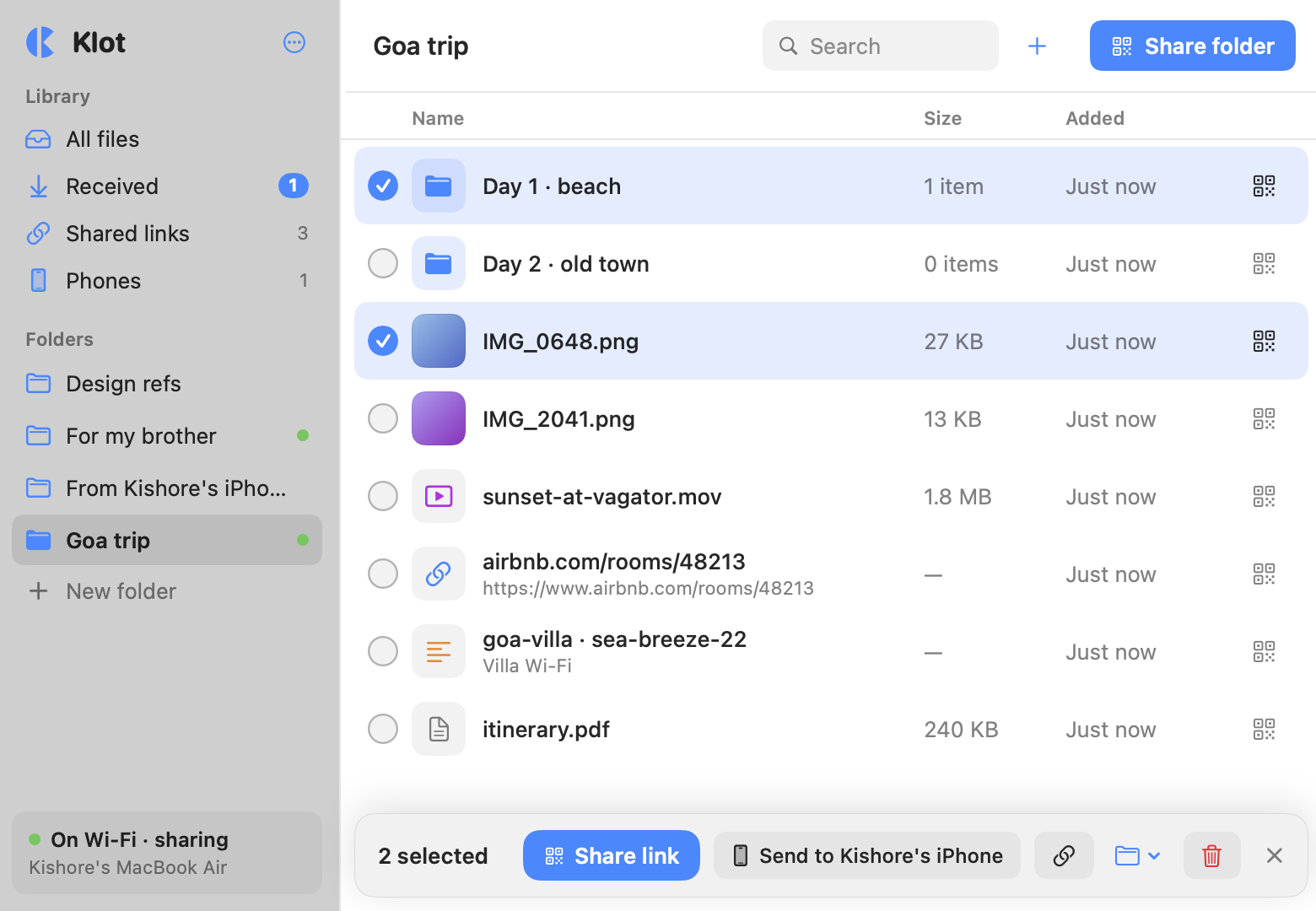
Tick files across folders and the bar at the bottom shares them together, copies one link, or sends them to a paired phone.
Share a folder and people can tap Follow. Each time you add something, their phone shows a notification that opens it.
8 items · link works for 1 more day
Klot keeps a list of every link: what was in it, how many times it was opened, and when it ran out. One click brings an old one back.
AirDrop needs everyone on Apple, on recent versions. Klot needs a browser and the same Wi‑Fi.
Share the trip folder once. Android, iPhone and the old laptop all open the same link.
An older Mac, a new one, a Windows PC. If it has a browser, it can receive.
Big files go across the room over your Wi‑Fi, with no upload to wait for first.
Turn on uploads and a link collects files. They land on your Mac, sorted by who sent them.
No. They open a link or scan a QR code in the browser they already have. A phone you pair gets a Klot icon on its Home Screen, which is a shortcut to a web page, so there's still nothing to install from a store.
Klot tells the phone it's on a different network and which Wi‑Fi to join. If there's no Wi‑Fi you can both use, turn on Personal Hotspot on the phone and join it from the Mac. Klot finds the Mac on the new network by itself.
Files go from your Mac to the other device over your Wi‑Fi. A small relay server keeps links working when your Mac's Wi‑Fi address changes and sends the notifications. It sees link names and titles, and the files themselves go straight between the devices.
The Mac app needs macOS 13 or later, on Apple Silicon or Intel. On the other side, anything with a recent browser: iPhone, iPad, Android, Windows, Linux, another Mac. Notifications on iPhone need iOS 16.4 or later.
Nothing while Klot is in beta. A paid version will come later, and links you share now keep working.
No. The files are on your Mac, so it has to be awake and on the network. Klot opens at login, and a phone that tries while the Mac sleeps sees a clear message and retries.
Version 0.1 for macOS 13 or later. Apple Silicon and Intel.